
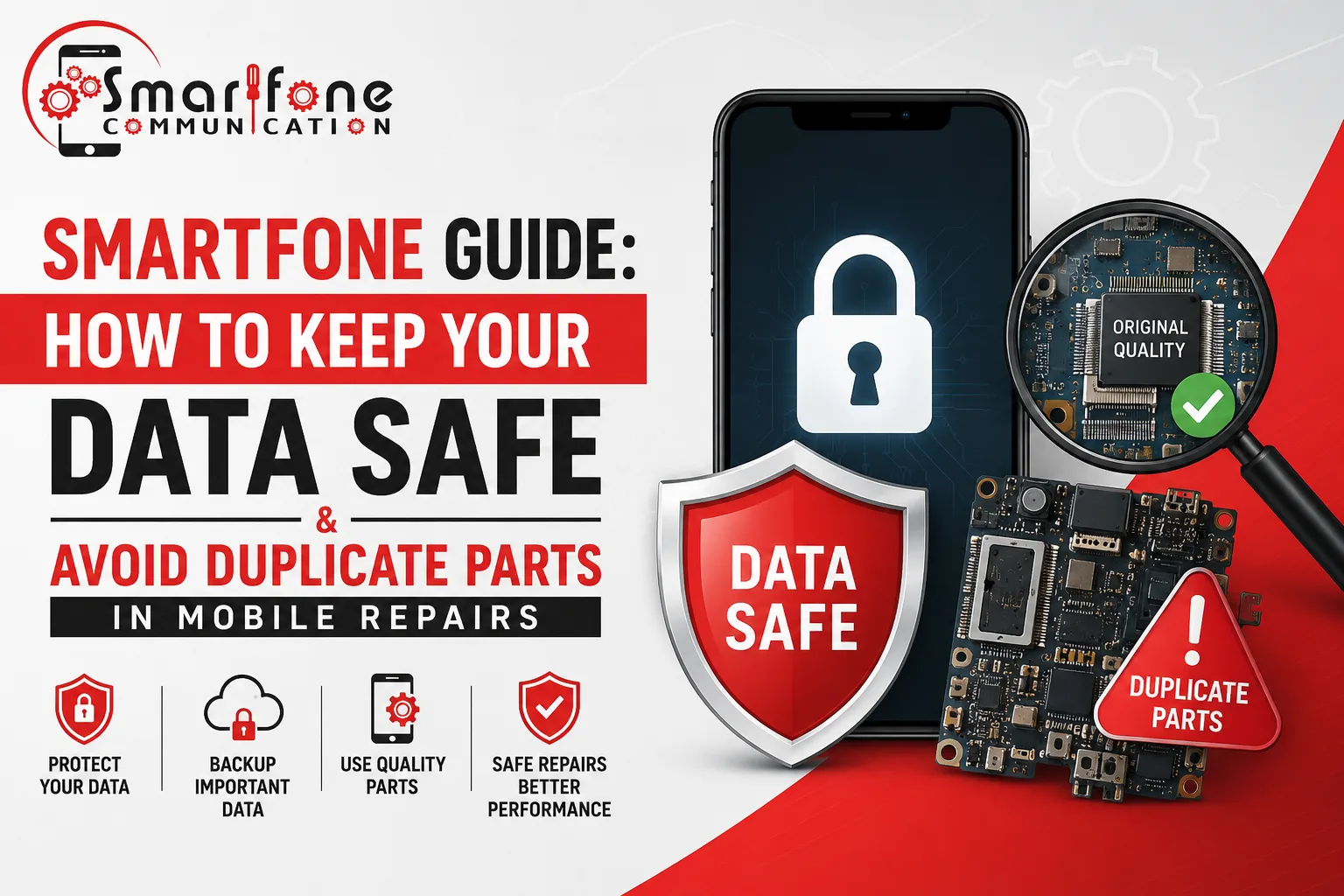
Your phone contains your banking apps, personal photographs, work emails, and passwords. Handing it over to a repair technician you can trust, even one that you fully trust, raises two questions: Was my data private? And: What if they are using authentic parts? Before you even set foot in a repair shop, knowing how you can avoid duplicate parts in your mobile while keeping your data safe is something every smartphone owner should be aware of.
Those are the questions that should be asked. Here, at Smartfone, both these problems are something that we encounter every single day. This guide provides you with all direct to the deal, no bullshit answers, so when walking into pretty much any mobile repair centre around, you can go in confident.
Why Duplicate Parts in Mobile Repairs Are a Bigger Problem Than You Think
Counterfeits or parts that are “duplicates” do not just cause you trouble. These are not empty threats to your device and data.
They use cheap replacements, screens, batteries & charging ports, acquired from non-verified manufacturers and usually lack shielding or firmware compatibility. Genuine screens do trigger an error message, and other problems that would disable Face ID or at least permanently lower touch sensitivity in iPhones. Some Samsung devices had problems with overheating and random shutdowns because of third-party non-OEM batteries.
Even more recently, there are records of fake parts with implanted chips used to spy on keystrokes or log data. This occurs in rare cases, though it is not theoretical.
How to avoid duplicate parts in mobile repairs:
- Directly ask your technician, “Are these OEM or factory-certified parts?” If it is a reputable shop, they will respond without pause.
- Ask for evidence of packaging the components before starting repairs. Real parts will arrive in branded, sealed packaging.
- Look to see if the shop you are looking at offers a warranty on both parts and labour. Cheap parts seldom come with a proper guarantee from whoever is doing the work.
- Avoid unusually low quotes. The price of a proper iPhone display replacement is what it is, and something with such low pricing generally implies a sub-standard part.
By using only certified parts for iPhone repairs, Samsung phone repairs, Mac fixes, and Samsung tablet repairs Randwick at Smartfone. All of the repairs come with a written warranty.
Before You Hand Over Your Phone: 5 Data Protection Steps
No matter how much faith you have in your repair shop, please do the following. Consider them as common practice, not a sign of distrust.
1. Back up your data
This is non-negotiable. A complete wireless backup can be achieved with iCloud or Google Drive. If your phone is so damaged it can’t even back up wirelessly, connect it to a laptop and back it up via iTunes (iPhone) or Android File Transfer. Backup gives you protection against loss of information, not just data theft, but also most often accidental loss of data while repairing your device.
2. Enable Samsung Maintenance Mode (Samsung users)
Samsung designed this feature for your repair. Conversely, Maintenance Mode creates a temporary guest mode when enabled: only the factory-installed apps are available, and your personal data, photos, messages, contacts, and app data are entirely invisible. The technician can perform diagnostics and test all hardware functions without the ability to view a single byte of your personal data.
To enable it: Settings → Battery and Device Care → Maintenance Mode → Turn On → Restart.
You notice that you collected your phone from the repair shop, exit Maintenance Mode via the notification panel, restart the phone and have the same phone as it was when you gave it in for repair.
3. Sign out of sensitive apps
Sign out of your banking apps, password managers and email clients before parting with your device. Even if a tech is not malicious, you do not want to have your accounts wide open and unlocked while it is being worked on.
4. Remove your SIM card
Your SIM has your phone number, and sometimes some contacts are stored on it. It takes away one possible vector and eliminates one in ten seconds.
5. Note your IMEI number
Dial *#06# to show your IMEI. Write it down. This identifier will provide proof that the device is your own and can give you a warning if someone replaces either a storage chip or logic board without permission.
During the Repair: What Legitimate Technicians Do (and Don’t Do)
The real-deal pro who repairs phones does not require permission to your files when he makes the fix. The hardware tasks include screen replacements, battery swaps, charging port repairs and even camera fixes. Your photos and messages don’t mean anything to them.
Red flags to watch for:
- A tech who requests that you provide your PIN or passcode when the repair doesn’t require it (most physical repairs don’t).
- A service that does not allow you to see the part of the repair process, or will not show you the replaced part.
- No detailed pre-work quotation
- Vague or no warranty terms.
Our technicians at Smartfone Randwick work very transparently. We check the faulty component, agree on replacing it, and test out the repair as we escort you to the door.
After the Repair: How to Check Everything Is Still Intact
Once you have your phone back, run through this checklist before leaving the shop:
- Open your Photos app and confirm your gallery is present.
- Check that your contacts and call history are intact.
- Look for any unfamiliar apps that were not there before.
- Go to Settings → Battery (iPhone) or Settings → Device Care (Samsung) and check that the battery health reads correctly for a genuine replacement.
- On iPhones, go to Settings → General → About and confirm there are no “Unknown Part” warnings under display or battery.
- Check your Google Account or Apple ID to ensure no new devices have been authorised.
If anything seems off, raise it immediately. A trustworthy shop will investigate and resolve it on the spot.
Choosing the Right Repair Shop: What to Look For
It does not matter whether your search keywords are smartphone repair near me, iPhone Repair Randwick, Samsung Phone Repair Randwick, or even Samsung tablet repair near me.
Certification and accreditation. Seek out shops that are authorised or trained to the standards of major manufacturers. This does not guarantee perfection, but it signals a baseline commitment to quality and genuine parts.
Transparent pricing. Honest shops issue itemised quotes that break down parts and labour. If a shop provides you with one all-in price (and doesn’t break it down), ask why not?
Verifiable reviews. Look at Google Reviews. Ensure to look through Google Reviews and not simply the tributes that appear on the establishment’s website. Be on the lookout for pinpoint references to data safety, authentic parts and warranty follow-through, a lot of hand patting.
Clear privacy policy. A reputable shop repairing your device should be able to let you know how the data is treated during repairs. If they can’t, that is your answer.
Warranty on repairs. An honest shop will provide you with at least a 90-day warranty on parts & labour. Some offer longer.
Based in Randwick, Smartfone caters to mobile phone repair customers throughout Sydney, including iPhone repair, Samsung phone repair, Mac repairs, and Samsung tablet repair. Every time, we are transparent with parts, pricing, and our process.
Frequently Asked Questions
A: Technically, if your phone is unlocked, yes. That is why you should either enable Samsung Maintenance Mode, use iPhone’s Guided Access feature, or simply back up and change your PIN before the repair. A legitimate technician will not browse your data, but you should not rely solely on goodwill.
A: Ask for the part packaging. On iPhones running iOS 16 or later, go to Settings → General → About after the repair. Apple displays a warning if a non-genuine display is detected. For Samsung devices, non-OEM screens often show colour inconsistency or reduced brightness compared to the original.
A: It depends. Apple’s warranty does not cover third-party repairs, but consumer law in Australia provides separate protections. Repairs by authorised service providers generally preserve manufacturer warranties. Always ask before proceeding.
A: Yes, provided the shop uses genuine or certified-equivalent parts and has experience with Samsung devices. Ask about the parts source and warranty terms before agreeing to a repair.
A: If your phone won’t power on, back-up options are limited, but a skilled technician can often perform a targeted repair (such as a screen replacement) without accessing internal storage. If data recovery is also required, ensure you get a written privacy agreement before the technician proceeds.
A: Non-genuine batteries can have inaccurate charge reporting, shorter lifespan, and in rare cases, thermal runaway (overheating or swelling). For iPhones, non-certified batteries also disable battery health reporting. Always opt for OEM or manufacturer-certified batteries.
A: A factory reset is rarely necessary for hardware repairs. Instead, use the backup and data isolation steps outlined above. A factory reset should only be considered for software-level issues, and always after a full backup it is a last resort, not a first step.
A: Right to Repair legislation is expanding in Australia and globally, which is driving more third-party shops toward using certified-equivalent parts with proper transparency disclosures. Ask your repair shop whether they comply with any industry standards body in Australia, and look for members of the Communications Alliance or similar bodies.
Final Word
Having your phone repaired should not be a lottery. With the proper preparation, a backup, Maintenance Mode or signed-out accounts, and a few stern questions at the counter, you can safeguard your data while verifying you’re receiving components as advertised.
If you are searching for iPhone Repair Randwick, Samsung Phone Repair Randwick, Mac repairs Randwick, and smartphone repair near me, then Smartfone is here for you. We source certified parts, keep pricing transparent, and treat your data with the utmost respect.
Book your repair with Smartfone today.