

Mac Repairs Randwick
Mac Repairs Randwick: MacBook Screen, Battery and Spill Repairs on Belmore Road
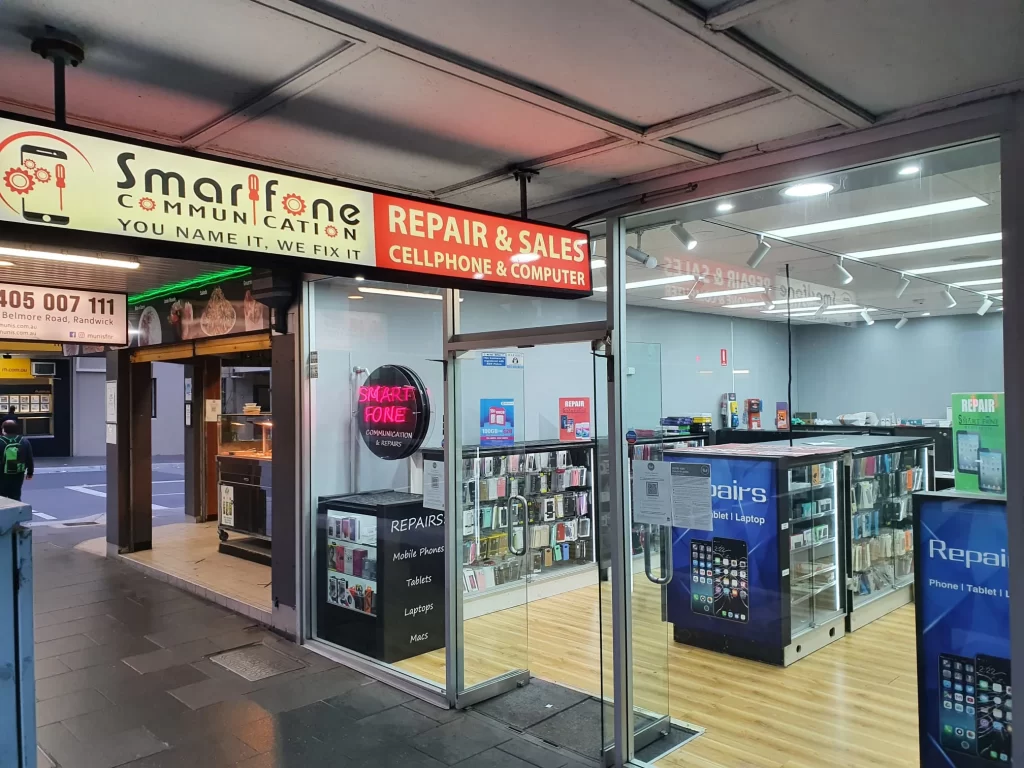
Smartfone repairs MacBook Air and MacBook Pro models, both Intel and Apple silicon, at our walk-in store at 102 Belmore Road, Randwick. Bring it in without booking. A technician checks it, gives you a quote before any work starts, and many screen, battery and port jobs are finished the same day.
For Mac repairs Randwick locals can walk in for, we are open 7 days: Monday to Friday 9:30am–6pm, weekends 10am–5pm.
- Macs we fix: MacBook Air and MacBook Pro, Intel and Apple silicon (M-series).
- How it starts: a technician looks at your Mac and quotes before touching it. If we can’t fix it, you don’t pay for the attempt.
- Typical time: screen, battery and charging port jobs often same day when the part is in stock; keyboard and software fixes take a few hours; logic board work usually 1–2 days.
- Warranty: 3 months on the parts we replace and the work we did.
- Walk in: no appointment, 7 days a week.
- Your data: we explain before the repair whether your files are at risk, and we never try to get around Apple ID or Activation Lock.
Which MacBooks we work on
MacBook Air From older Intel models through to Apple silicon M-series Airs. Common jobs are cracked screens, worn batteries, sticky keys and USB-C ports that have stopped charging.
MacBook Pro 13-inch, 14-inch, 15-inch and 16-inch, Intel and Apple silicon. Pros come in more often with heat and fan problems, swollen batteries and spill damage.
Intel or Apple silicon: why it matters for the repair On Apple silicon MacBooks, memory and storage sit on the main board. They can’t be upgraded later, and a storage fault is a board-level repair, not a quick drive swap. Some older Intel MacBooks have storage we can replace or upgrade. Telling us which one you have helps us quote accurately.
Find your model number in 10 seconds Turn the MacBook over. Near the hinge, in small print, you’ll see “Model A” followed by four numbers (for example A2337). Or click the Apple menu > About This Mac. Bring that number or a photo of it.
iMac or Mac mini? Call us before bringing in a desktop Mac so we can check parts for your model first.
MacBook repairs, timing and what affects the price
We don’t publish fixed Mac prices because the same fault costs very differently across models and years. You get an itemised quote after we inspect the Mac, and nothing is repaired until you say yes.
| Repair | What it fixes | Price | Typical time |
|---|---|---|---|
| Screen replacement | Cracked, black, flickering or striped display; dead patches | Quoted after inspection | Often same day if the screen is in stock |
| Battery replacement | Fast drain, sudden shutdowns, "Service Recommended", swollen battery | Quoted after inspection | Often same day if in stock |
| Charging / USB-C / MagSafe port | Not charging, loose cable, charges only at one angle | Quoted after inspection | Often same day |
| Keyboard and trackpad | Stuck, repeating or dead keys; trackpad not clicking | Quoted after inspection | A few hours (longer if the top case must be ordered) |
| Liquid damage repair | Spills of water, coffee, juice or wine | Quoted after the board is checked | Usually 1–2 days |
| Logic board repair | No power, no display, shorts, faults found in testing | Quoted after inspection | Usually 1–2 days |
| SSD / storage | Drive faults, "startup disk not found", upgrades on older Intel models | Quoted after inspection | Same day to 1–2 days |
| Cleaning and overheating | Dust-blocked fans, loud fans, heat slowdowns | Quoted after inspection | A few hours |
| Software faults | Won't finish starting up, crashes, reinstalling macOS | Quoted after inspection | A few hours |
| Data recovery | Getting files off a Mac that won't start | Quoted after inspection | Depends on the fault |
What changes the price
- Your exact model and year (an M-series Air screen is a different part from a 2017 Air screen).
- Whether the part is in stock or must be ordered.
- Whether there is hidden damage, such as liquid under the keyboard or a bent board.
- The part type. We use quality replacement parts that meet or exceed original specifications; ask which part your quote uses.
Common Mac problems and what to do before you come in
If your files matter and you have no backup, skip the “try this” step and bring it straight in.
Usually a flat battery, a faulty charger or a board fault. Try a charger you know works, wait 15 minutes, then hold the power button for 10 seconds. Still nothing? Bring it in.
Check Apple menu > System Settings > Battery > Battery Health; “Service Recommended” means it holds less charge than when new (Apple Support). If the trackpad is lifting or the case bulges, stop using and charging it and bring it in the same day.
Unplug it, shut it down and don’t turn it back on to check. Tip it upside down to drain, skip the rice and hairdryer, and bring it in the same day.
Connect an external monitor. If the picture looks fine there, it’s most likely the screen or its cable, which usually costs less than a board fault.
Quit heavy apps in Activity Monitor, free up storage and use it on a hard surface. Apple Diagnostics can check for hardware faults (Apple Support). Still hot doing very little? Bring it in.
The Mac can’t find a working startup disk (Apple Support). Try Disk Utility First Aid in macOS Recovery, but if your files aren’t backed up, stop and bring it in.
We can’t bypass Activation Lock, Apple Account or firmware passwords, and we won’t try (Apple Support). Apple’s account recovery, with proof of purchase, is the way back in.
Is it worth repairing an older MacBook?
We’ll tell you if a repair doesn’t make sense. Here’s how we think about it:
- Repair usually makes sense when the Mac is Apple silicon, still gets macOS updates, and the fault is a screen, battery, port or keyboard.
- Think twice when the repair cost is close to the value of the Mac, the model no longer gets macOS updates (check Apple’s macOS compatibility page for your model), or there’s both liquid and board damage.
- Upgrades: Apple silicon MacBooks can’t have memory or storage added later. If you’ve run out of space, external storage or iCloud is often cheaper than a repair.
- Moving to a new Mac: if you replace it, we can help get your files off the old one first, even if the old Mac has a fault.

Your files and privacy
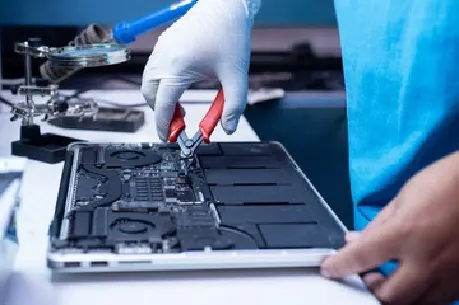
- Back up first if you can. A screen, battery or port repair doesn’t normally touch your files, but any repair carries some risk, and liquid or board faults can affect storage.
- Your login. Many hardware repairs can be tested without signing in. Before you hand the Mac over, ask whether your repair needs your login. If it does, you can change your password afterwards.
- FileVault. If FileVault is on, data recovery may need your password. Without it, the files can’t be read by anyone, including us.
- Locks we won’t touch. We never remove or bypass Activation Lock, Find My or firmware passwords.
- Data recovery. If your Mac won’t start, we can attempt to recover your files. We’ll explain the chances before we begin.
How a Mac repair works at Smartfone
- Walk in, or message us first. Bring your Mac and charger to 102 Belmore Road. No booking needed.
- We check the fault. A technician inspects the Mac and tests it, rather than guessing from the symptom.
- You get a quote and a time. You’ll know the cost, the part type and when it should be ready before anything is done. Nothing is repaired without your approval.
- We repair and test. After the repair we check the display, keyboard, trackpad, ports, battery and charging, and temperatures.
- You collect it. We explain what was done and how the 3-month warranty works. If we couldn’t fix it, there’s no charge for the attempt.
Before you bring your Mac in
- Bring the charger and cable you normally use.
- Know your Apple Account email and your Mac login password.
- Back up with Time Machine or iCloud if the Mac still starts.
- Note when the fault started and what happened just before (a drop, a spill, an update).
- Remove cases, stickers over vents and USB-C hubs.
- Don’t erase or reset the Mac to “fix” it. That can trigger Activation Lock and makes your files harder to recover.
Warranty and what you can expect
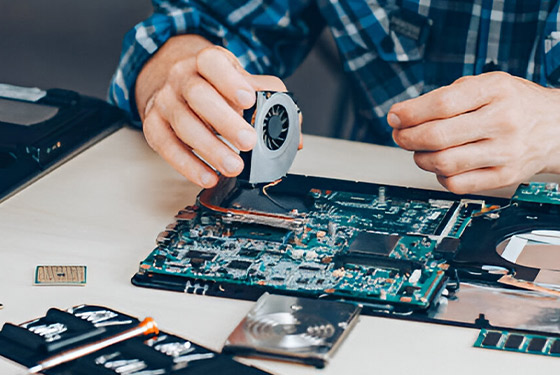
Warranty: every Mac repair carries a 3-month warranty on the parts we replace and the work we did on them. It doesn’t cover parts of the Mac we didn’t repair. To claim, bring your receipt or a bank statement showing payment to Smart Fone Communication. This doesn’t limit your rights under Australian Consumer Law.
Parts: quality replacement parts that meet or exceed original specifications. They are not always Apple-original parts, and you can ask which one your quote uses.
Who we are: Smart Fone Communication has repaired phones, tablets and MacBooks on Belmore Road since 2014. Read more about our Randwick team.
Reviews: rated 4.6 from 186 Google reviews at the time of writing. Read our Google reviews
Four habits that prevent most Mac repairs
- Leave battery health management on. It’s in System Settings > Battery, and it slows long-term battery wear.
- Keep drinks off the desk. Spills are among the costliest Mac repairs. Use a cup with a lid near the keyboard.
- Back up weekly. A Time Machine drive is cheap compared with paying to recover files.
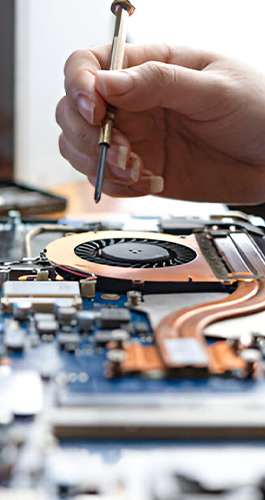
- Give it air. Use it on a hard, flat surface, and get dusty fans cleaned if it runs hot.
Frequently Asked Questions
How much does a MacBook screen replacement cost?
It depends on your model and year, so we quote after inspecting the Mac. An M-series Air screen and an older Intel Air screen are different parts at different prices. You’ll know the cost before any work starts.
Can you fix a MacBook after a spill?
Often, yes, if it is brought in quickly. Unplug it, shut it down and don’t turn it on again. We clean and check the board and tell you honestly whether it’s worth repairing. Liquid repairs usually take 1–2 days.
Will I lose my data during a repair?
Usually not. Screen, battery and port repairs don’t normally touch your files. Liquid and board faults can affect storage, so back up first if the Mac still starts, and tell us if your files are the priority.
How long does a MacBook battery replacement take?
Often the same day if the battery for your model is in stock. If it needs ordering, we’ll give you a date when you drop it off.
Do you repair Apple silicon (M-series) MacBooks?
Yes. We repair MacBook Air and MacBook Pro models with Apple silicon as well as Intel models. Memory and storage on Apple silicon can’t be upgraded, which affects some repair options.
Is it worth repairing an older MacBook?
Sometimes. If it still gets macOS updates and the fault is a screen, battery or keyboard, repair is often good value. If the repair costs close to the Mac’s value, we’ll tell you.
Get a Free Consultation
Share your details and project requirements. We’ll reach out with expert guidance and a personalized quote.
Find us on Belmore Road
Smartfone: 102 Belmore Road Randwick NSW 2031 Australia
Hours: Monday to Friday 9:30am–5:30pm · Saturday and Sunday 10am–5pm
Phone: 0470 505 835, 0283776985
Email: info@smartfone.com.au
We’re on Belmore Road at Randwick Junction. Buses run along Belmore Road and the L2 light rail terminates in Randwick. Street parking around Belmore Road is time-limited, so check the signs.