

Smartfone
Mobile Repair Mascot – Phone Fixes That Fit Around Work and Travel
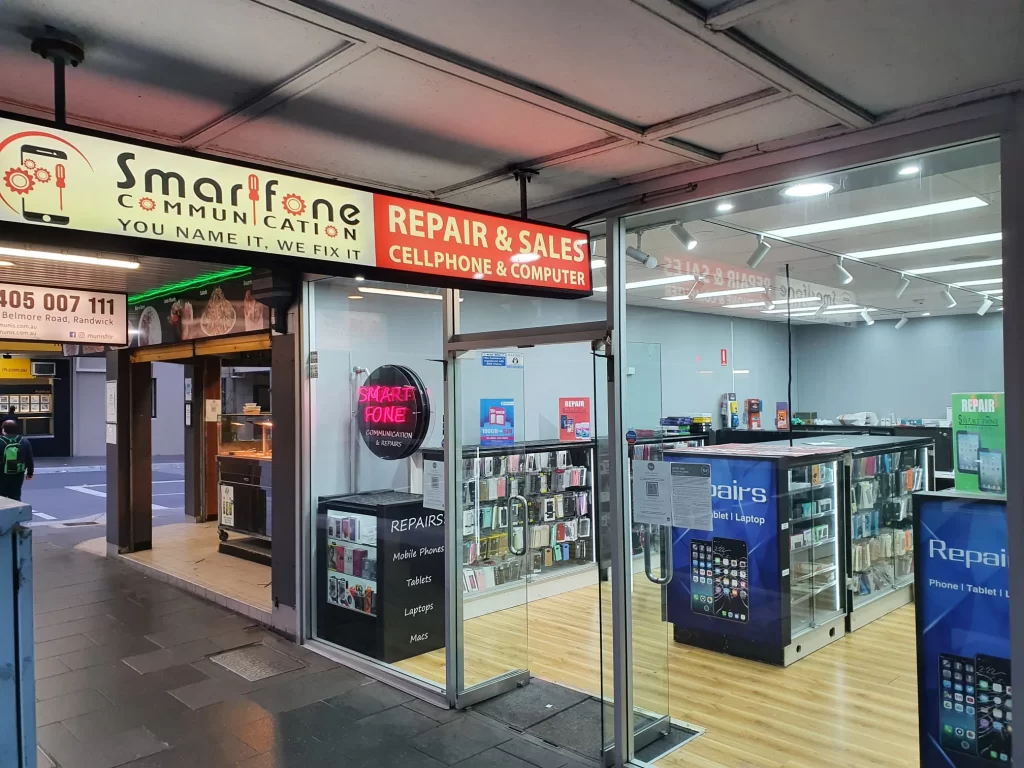
If you need mobile repair, Mascot is only about 5 to 6 km from our shop at 102 Belmore Road, Randwick. Smartfone fixes phones and tablets, checks the fault and quotes before any work, and handles many screen and battery jobs the same day while you wait, depending on your model and parts in stock.
Fault checked and quoted first · 3-month warranty on parts and repair work · Open 7 days
4.6 stars from 185 Google reviews
OUR STORE LOCATION
Getting from Mascot to our Randwick store
We don’t have a shop in Mascot, and we’d rather say that up front. Our only store is in Randwick (see our Randwick store page), but the trip is short and direct.
By bus: The 358 runs from Gardeners Road, Mascot, to Belmore Road opposite Royal Randwick Shopping Centre, a short walk from us. About 15–20 minutes.
By train: T8 from Mascot station to Central, then the L2 light rail to Randwick.
By car: About 5–6 km. Street parking is time-limited; the Royal Randwick Shopping Centre car park is nearby.
Check the Transport for NSW Trip Planner on the day.
Can’t leave work? A door-to-door service or a closer kiosk may suit a simple job. For a proper diagnosis and an honest quote, the short trip to us is worth it.
Need Help With Your Device?
Tell us about your device and the issue you’re experiencing. Our team will get back to you and help you find the right repair solution.
PROBLEMS
Common mobile problems around Mascot and how to solve them
Mascot runs on early starts, long shifts, deliveries and trips. Phones take a beating in that kind of routine. Here’s what usually goes wrong, what you can safely try yourself, and when it’s time to bring it in.
Heavy use, hotspots and charging in hot cars wear a battery down. Check Battery Health on an iPhone (Settings › Battery) or run the battery check in the Samsung Members app, then turn off background activity you don’t need. If health is low or the phone dies at 20–30%, the battery is the real fix, and it’s far cheaper than a new phone.
Bring it in when: it shuts down early or battery health has clearly dropped.
Try a different cable and adapter first. Then shine a torch into the port: pocket lint and warehouse or workshop grime often block the plug. With the phone off, lift it out gently with a wooden toothpick, never anything metal. If it still needs wiggling, the port is likely worn and needs a quick repair.
Bring it in when: a known-good cable still only charges at an angle.
Cover the cracks with clear tape or a screen protector, and back up your phone while the touchscreen still works. Don’t keep pressing on the damaged area. Lines, black patches or ghost touches mean the display underneath is damaged, not just the glass. Mention any bent frame or cracked back glass when you call.
Bring it in when: touch is unreliable or you see lines or black spots.
Stop using it, unplug it and remove the case. Let it cool slowly indoors, never in the fridge, and don’t charge it until it’s back to normal. Most phones recover fully. Worry if the screen has a yellow patch, the battery drains much faster, or the phone stays hot while idle.
Bring it in when: it runs hot at rest or the screen is marked.
Bring it in when: you see any of those signs, or the screen is lifting at one edge (stop charging it).
Restart, toggle flight mode, then reseat the SIM (or check your eSIM is on). Next, try your SIM in another phone. If it fails everywhere, contact your carrier. If other SIMs also fail in your phone, the fault is in the phone, usually the SIM reader or antenna.
Bring it in when: a known-good SIM still isn’t detected.
Turn it off and don’t charge it, even if it seems fine. Remove the case and SIM tray, dry the outside and leave it upright with airflow. Skip the rice and the hair dryer. Salt water, coffee and soft drink corrode faster, so the sooner it’s opened and cleaned, the better the chance of saving it.
Bring it in when: it’s had more than a splash.
No. A lifting screen or bulging back means stop using and charging it straight away, and don’t press on it. Airlines don’t allow damaged or swollen lithium batteries on board, so check your airline’s rules before you travel. We can replace the battery and make it safe.
Bring it in when: you notice any swelling at all.
What we repair for Mascot customers
We repair phones and tablets from most major brands. Each phone and part is different, so we quote your exact model after checking it.
| Repair | Typical signs | What to expect |
|---|---|---|
| Screen replacement | Cracks, lines, black spots, touch not working | Often 20–30 minutes on common models if the part is in stock. See our iPhone repair page. |
| Battery replacement | Fast drain, early shutdown, swelling | Often same day; battery tested first |
| Charging port repair | Charges at an angle or not at all | Port cleaned and checked before replacing anything |
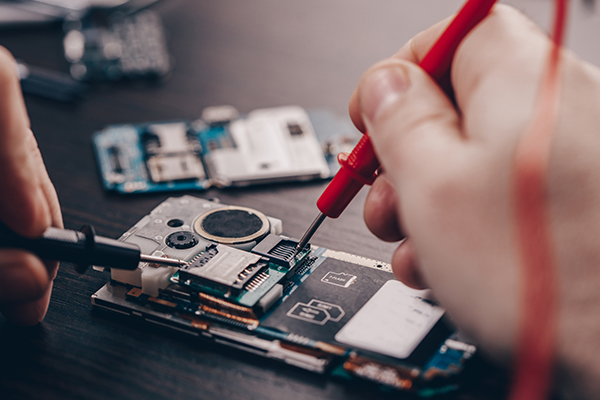
| Water damage assessment | Phone got wet, faults since | Opened, cleaned, tested; timing depends on damage |
| SIM / network faults | "No SIM", no service | SIM and reader tested to rule out a carrier issue |
| Back glass, camera, speaker | Cracked back, blurry photos, muffled calls | Parts vary by model; call to check stock |
| Samsung phones and tablets | Any of the above | See Samsung phone repair and Samsung tablet repair |
| iPads, Apple Watch, Macs | Cracked screens, batteries, charging | See iPad repair, Apple Watch repair and MacBook repairs |
| Pixel, Oppo, Huawei and more | Screens, batteries, ports | See Google Pixel and other phone brands |
Symptom checker: likely cause and usual fix
| Symptom | Likely cause | Usual fix |
|---|---|---|
| Charges only at an angle | Lint or grime in port, worn port | Port clean, or charging port repair |
| Dies at 20–30% | Worn battery | Battery replacement |
| Screen lifting at edges | Swollen battery | Stop using; battery replacement promptly |
| "SIM not detected" with any SIM | SIM reader or board fault | Diagnosis, then SIM reader repair |
| "No service" with your SIM only | Carrier or SIM card issue | Contact carrier for a new SIM |
| Lines or black patch after a drop | Damaged display | Screen replacement |
PROCESS
What happens when you bring your phone in
- Call or walk in. Ring 0470 505 835 with your model and the problem, or come straight to 102 Belmore Road.
- We check it and quote first. A technician tests the phone and tells you what’s wrong, the cost and how long it should take. Nothing starts until you say yes.
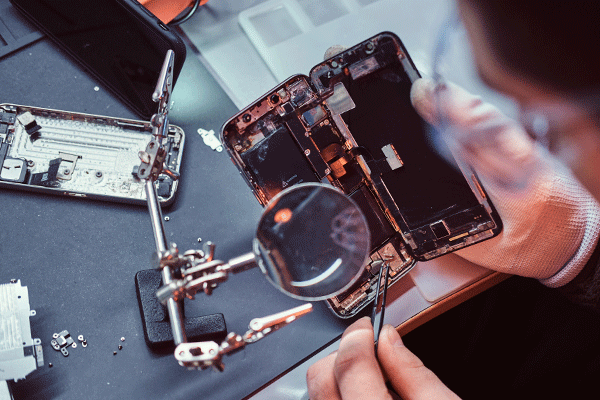
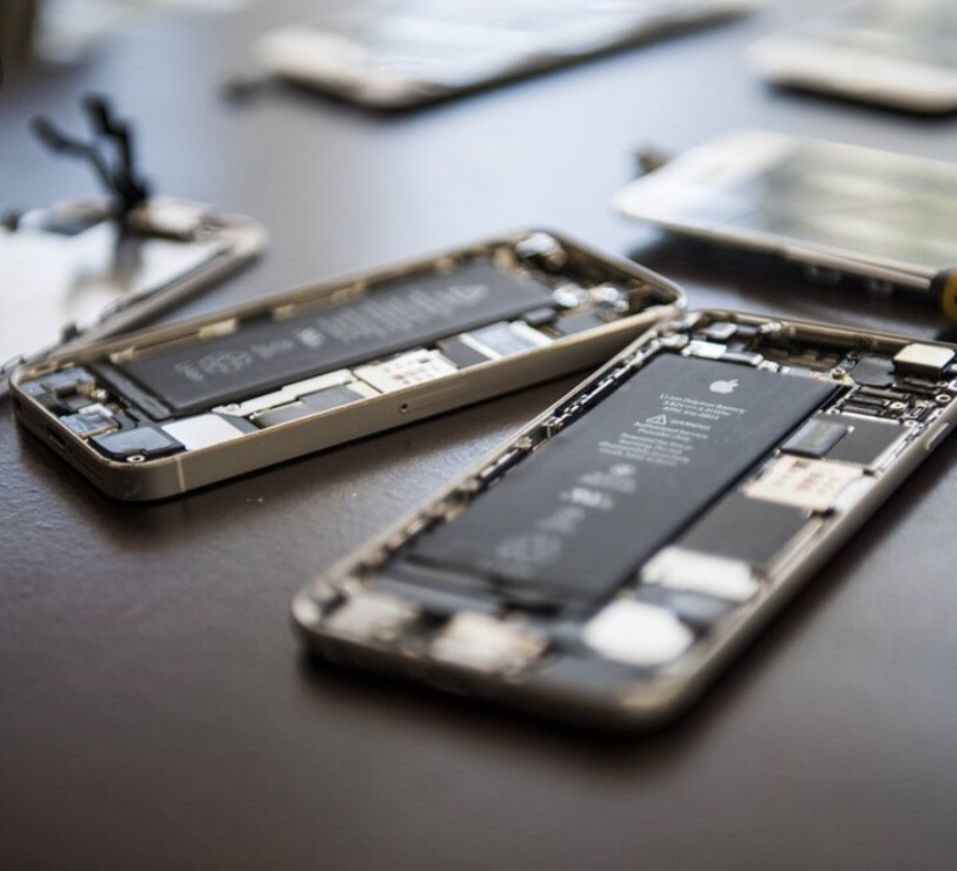
- Repair and test. We fit the part, then test the screen, charging, cameras, speakers and calls before handing it back.
- Collect with your warranty. Keep your receipt. The 3-month warranty covers the parts we replaced and the repair work.
WHY US
Why Mascot customers choose Smartfone
- Trading since 2014. More than 12 years as a Randwick mobile phone repair shop on the same street.
- 4.5 stars from 168 Google reviews. Read them on our Google profile before you decide.
- You get a quote before any work. If we can’t fix it, you don’t pay for the attempt.
- A 3-month warranty in writing. It covers the parts we replace and the work we do; bring your receipt or bank statement to claim.
- Open 7 days. Useful if your shifts don’t line up with weekday hours.
What our customers say
Smartfone has 168 Google reviews with an average of 4.5 stars. The latest reviews appear below, loaded live from our Google Business Profile, so you see them exactly as customers wrote them, good and bad.
EXCELLENTTrustindex verifies that the original source of the review is Google. Ash was able to fix a very complex and complicated issue with my iPhone. I highly recommend this place 100% with your iPhone problems and it is very reasonably pricedPosted onTrustindex verifies that the original source of the review is Google. Went in to change my phone screen protector and had a great experience. The guy was super friendly, did it really fast, and the price was cheap too. Definitely recommend 👍Posted onTrustindex verifies that the original source of the review is Google. This man is absolutely phenomenal best technician ever honestly I only wish amazing things on this repair store absolutely incredible this man has fixed my screens twicePosted onTrustindex verifies that the original source of the review is Google. If you’re too young to remember what a proper honest businessman is like then I’d recommend just going to meet Meher even if you don’t require his services. He is not only the best technically at fixing things that I’ve ever seen, he is genuinely a kind, caring and honest man. He doesn’t look to take advantage of anyone with his prices he only looks to have a sustainable business model which is built on honesty with his customers. He fixed my iPhone 13 mini screen 3 times - he didn’t charge me for the third time because he said I’d been a loyal customer after buying a case and a screen protector of him previously. I wouldn’t go anywhere else in Sydney for a gadget repair. One of the rare ones still left who isn’t trying to metaphorically have your pants down with an overpriced and dodgy service. Thanks again Meher!Posted onTrustindex verifies that the original source of the review is Google. Fixed my iphone17 screen much cheaper than I was quoted elsewhere and FAST! Recommended 👍Posted onTrustindex verifies that the original source of the review is Google. Super friendly guy gave me a great discount on my screen repair. Would highly recommend.Posted onTrustindex verifies that the original source of the review is Google. My phone screen smashed. They fixed it in 45 minutes. Very happy with the service. Shop owner was very kind and helpful. 10/10 service. Would recommend this place.Posted onTrustindex verifies that the original source of the review is Google. Great guy! Fast and affordable.
FAQ's
Is there a mobile repair shop in Mascot itself?
Smartfone doesn’t have a shop in Mascot. Our only store is at 102 Belmore Road, Randwick NSW 2031, about 5 to 6 km away, or around 15 to 20 minutes on the 358 bus from Gardeners Road. Call first and we’ll tell you if your part is in stock before you travel.
How long does a phone repair take?
Screen and battery replacements on common iPhone and Samsung models often take about 20 to 30 minutes while you wait, if the part is in stock. Charging ports are often same-day. Water damage and board faults take longer, and we’ll give you a realistic timeframe before starting.
How much will my repair cost?
It depends on the model and the part, so we check the phone and quote first. You’ll know the price before any work starts, and if we can’t repair it, you don’t pay for the attempt. Call with your exact model for a quick idea before you visit.
Can I get it fixed the same day?
Often, yes. Many screen, battery and charging port repairs are done the same day, provided the part for your model is in stock. Less common models, water damage and complex faults can take longer. Ring 0470 505 835 before you leave Mascot and we’ll check stock for you.
Is my data safe during a repair?
Most screen, battery and port repairs don’t touch your data, but any repair carries a small risk, so back up before you come in if you can. We only need your passcode if a test requires it, and you can stay with the phone for quick jobs.
What kind of parts do you use?
We use high-grade replacement parts that we test before fitting, and every repair carries our 3-month warranty on parts and labour. Part options can differ by model, so ask at the counter and we’ll explain what’s available for your phone and the price of each option.
What if my phone can’t be repaired?
We’ll tell you honestly after checking it, and you won’t be charged for the attempt. If a repair would cost close to what the phone is worth, we’ll say so, so you can decide whether to fix it or replace it.
Need Help With Your Device?
Tell us about your device and the issue you’re experiencing. Our team will get back to you and help you find the right repair solution.
Visit Smartfone
Smartfone: 102 Belmore Road Randwick NSW 2031 Australia
Hours: Monday to Friday 9:30am–5:30pm · Saturday and Sunday 10am–5pm
Phone: 0470 505 835, 0283776985
Email: info@smartfone.com.au
Bring it in with your charger Not sure what’s wrong? Bring the phone and the cable you normally use, and we’ll take a look. No booking needed during opening hours.