
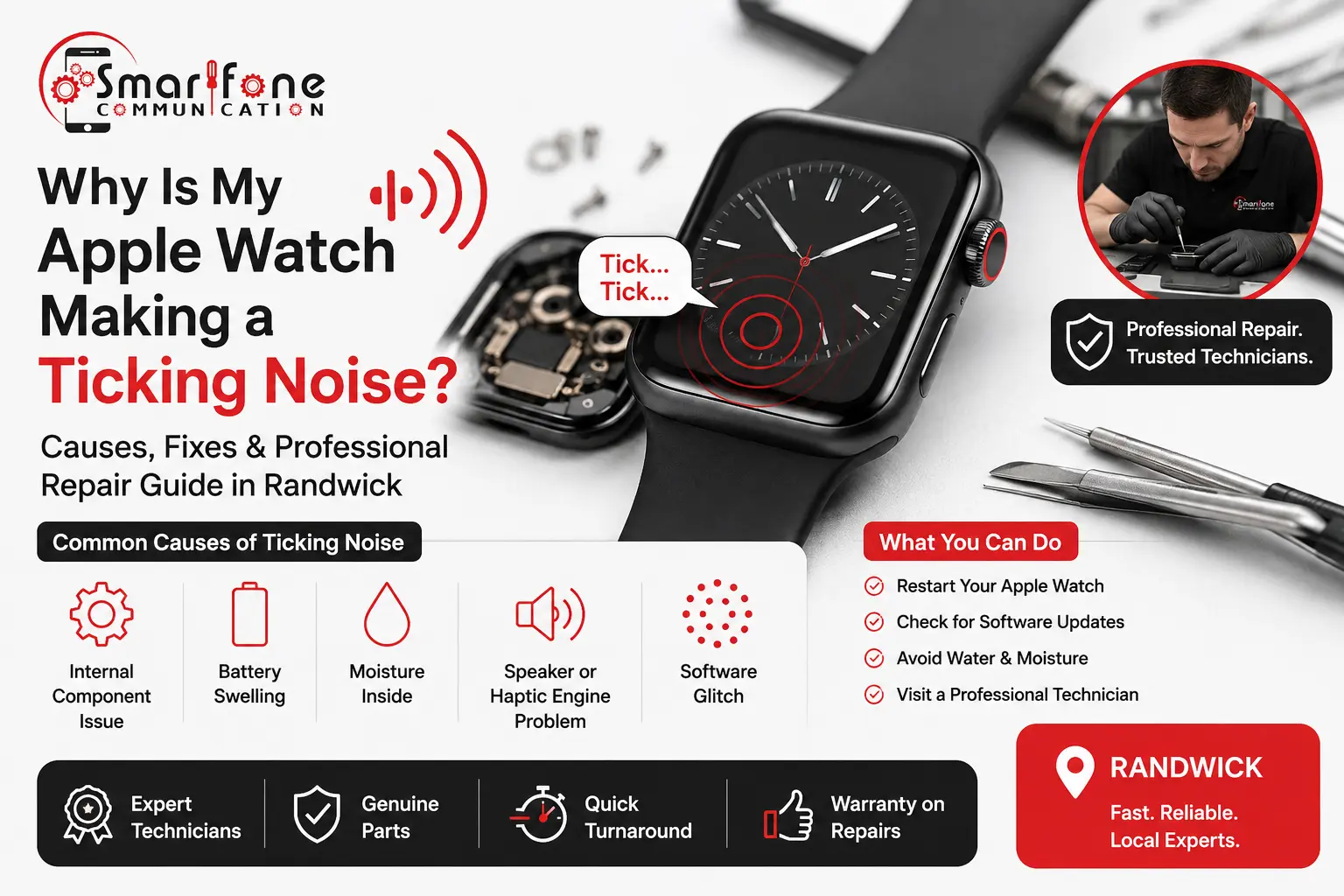
A silent Apple Watch is normal. A ticking, clicking, or buzzing Apple Watch is not, and usually it’s your device telling you something in there has come loose, shorted, or just worn out. If your Apple Watch making a Ticking Noise every time your wrist moves, or you hear a steady click from the case, this guide goes through what’s happening exactly, what you can check yourself safely, and also when it’s time to take it to a technician.
At Smartfone, we diagnose and repair dozens of Apple Watches each month across Sydney’s Eastern Suburbs, and a “ticking noise” is honestly one of the most common complaints we get, but also one of the most misunderstood. This professional repair guide in Randwick explains what’s going on, and what you should do next.
Quick Answer: What Causes an Apple Watch Ticking Noise?
In most cases, an Apple Watch ticking or clicking sound comes from one of five sources:
- Loose internal components after a drop or knock
- Haptic engine (Taptic Engine) malfunction: the motor that creates vibration feedback
- Speaker or microphone damage, often from water exposure
- Battery swelling, which pushes against internal parts
- Debris or moisture trapped inside the case
None of these resolve on their own, and several, particularly a swollen battery, can become a safety issue if ignored.
The 5 Most Common Causes, Explained
1. Haptic Engine (Taptic Engine) Problems
The Taptic Engine is a small linear actuator that taps your wrist for notifications, the digital crown “click” feel, and workout alerts. When it starts to fail, it doesn’t always go silent; it can produce an irregular ticking or rattling sound as the internal weight inside the motor becomes unbalanced or partially detached. This is one of the most frequent Apple Watch haptic engine problems we diagnose, and it’s especially common in units that have taken a knock on a hard surface.
2. Speaker or Microphone Damage
Apple Watches are water resistant, not waterproof. Over time, repeated exposure to sweat, rain, pool water, or even steam can start corroding the speaker diaphragm or the microphone membrane, and this is kinda a gradual thing. If the speaker is already not in great shape, you might notice a faint clicking or buzzing during calls, or when you ask Siri for something, or when those notification chimes kick in. That sort of sound is usually a strong clue your Apple Watch speaker has a problem, even if it seems small at first. It’s smart to have it checked early before the corrosion goes deeper into the logic board, and then it becomes a bigger situation.
3. Loose Internal Components After a Drop
Even a short drop onto tile or concrete can jar the internal connectors, screws, or the digital crown assembly a bit out of place. If you hear a rattling or ticking sound when you gently shake the watch, that’s a pretty solid sign of Apple Watch internal damage, because some bits are sliding around inside a case that is no longer holding them in place firmly.
4. Battery Swelling
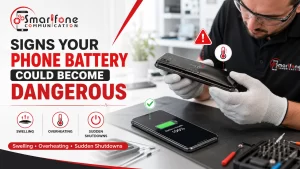
This is the cause we take most seriously. Lithium-ion batteries can kinda swell over time, from heat exposure, or if there’s a charging fault. As the battery expands, it starts pushing against the display or the case back, and then you might hear a soft ticking or clicking sound. In some cases, the screen looks like it’s being lifted, even a little. If your Apple Watch display looks slightly raised or separated from the case, stop wearing it immediately and bring it in for a battery replacement; swollen batteries are a genuine fire and puncture risk.
5. Water or Debris Ingress
Then there’s sand, dust, or moisture that somehow gets past the seals. It can shuffle around inside the housing and make a rattle, or it can get in the way of the digital crown mechanism, leading to that intermittent tick when you move your wrist. Honestly, this is one of the more fixable causes behind an Apple Watch water damage situation, as long as you deal with it early enough.
What Should You Do First? (Safe DIY Checks)
Before booking a repair, there are a few things you can check at home:
- Restart the watch. Hold the side button until the power-off slider appears, then turn it back on. Software glitches occasionally mimic hardware clicking through misfiring haptic alerts.
- Check for visible screen separation. A lifted or bulging display is a battery swelling warning sign; don’t press on it.
- Inspect the band and case for trapped debris. Gently tap the watch face-down on a soft surface to see if anything shifts.
- Turn off unnecessary haptics in Settings > Sounds & Haptics to see if the ticking is notification-related rather than mechanical.
If none of these resolve the issue, the noise is almost certainly a hardware fault that requires a professional diagnostic service, not a software fix.
Why DIY Repair Isn’t Recommended for Apple Watches
Apple Watches are among the most densely packed consumer devices on the market. The battery, Taptic Engine, and logic board are stacked in millimetres of space, often glued rather than screwed together. Opening the case without the right tools risks:
- Puncturing a swollen battery
- Snapping the extremely fine ribbon cables connecting the display
- Breaking the water-resistance seal permanently
- Voiding any remaining Apple warranty or AppleCare coverage
This is why we always recommend certified Apple Watch technicians for anything beyond a strap or screen protector change.
Professional Repair Guide in Randwick: What to Expect at Smartfone
At Smartfone, our Randwick workshop offers a full diagnostic and repair pathway for ticking, clicking, or buzzing Apple Watches:
| Service | What It Covers |
| Diagnostic Service | Free assessment to isolate the cause — haptic engine, battery, speaker, or internal damage |
| Battery Replacement | Same-day replacement for swollen or degraded batteries, all Series and Ultra models |
| Screen Repair | Display replacement for cracked, lifted, or water-damaged screens |
| Haptic Engine Repair | Taptic Engine replacement to eliminate rattling and restore vibration feedback |
| Water Damage Repair | Internal cleaning, corrosion treatment, and component testing |
Most Apple Watch repairs at our Randwick location are completed same-day, using genuine or premium-grade replacement parts and tested before handover with a workmanship warranty.
Apple Watch Ticking Noise: Repair Cost Guide
Exact pricing depends on your model (Series 6 through Ultra 2) and the extent of the damage, but as a general guide:
- Diagnostic assessment: Free at Smartfone
- Battery replacement: Typically the most affordable fix and resolves swelling-related ticking
- Speaker/haptic engine replacement: Mid-range cost, depending on model
- Full logic board or water damage repair: Higher cost, depending on corrosion extent
We always provide a fixed quote after diagnosis, never before, so you know exactly what you’re paying for.
How to Prevent Future Ticking Noises
- Avoid wearing your watch in saunas, hot showers, or extended pool sessions unless your model is rated for it
- Charge with genuine or MFi-certified cables to reduce battery stress
- Keep firmware updated, as Apple regularly patches haptic and audio driver bugs
- Have your watch checked annually if it’s more than 2 years old; batteries naturally degrade, and swelling risk increases with age
Industry Trend: Rising Demand for Wearable Repairs
As Apple Watches move toward longer ownership cycles (many users now keep a watch for 3–4 years rather than upgrading annually), repair demand for battery and haptic issues has grown significantly across Australia. Independent repair data from the wearables sector shows battery-related faults are now among the top reasons customers seek Apple Watch servicing, reflecting both longer device lifespans and increased daily wear-and-tear from fitness tracking use.
Frequently Asked Questions
It depends on the cause. If the ticking is paired with a lifted or bulging screen, stop wearing it immediately; this points to battery swelling, which carries a small burn or puncture risk. If there’s no visible screen separation, it’s safe to wear short-term, but you should still get it diagnosed promptly.
Occasionally, if the tick is actually a haptic notification misfiring due to a software bug, an update or restart can resolve it. But a genuine clicking, rattling, or buzzing sound from inside the case is a hardware issue that software cannot fix.
Cost varies by model, but Smartfone offers free diagnostics, so you get an exact, fixed quote before any work begins no guessing, no surprise fees.
It depends on the repair. Opening the case can compromise the factory seal. At Smartfone, we reseal cases using appropriate adhesives and test water resistance where possible, though we always advise treating a repaired watch with extra care around water.
Most common repairs battery replacement, screen repair, and haptic engine replacement are completed same-day at our Randwick workshop, subject to parts availability for your specific model.
Yes, in most cases. Once AppleCare or the standard warranty has expired, using a certified independent repairer is typically faster and more affordable than an Apple Store appointment, while still using quality parts and offering a workmanship guarantee.
Ticking is usually mechanical, a component physically moving inside the case. Buzzing is more often electrical or acoustic, linked to the speaker or Taptic Engine motor vibrating against something. Both need diagnosis, but they often point to different components.
Yes. Corrosion from moisture can partially damage a component without fully disabling it, causing intermittent noises weeks or months after the original water exposure. Early diagnosis prevents the corrosion from spreading further.
Book Your Apple Watch Diagnostic in Randwick
If your Apple Watch is ticking, clicking, or buzzing, don’t wait for it to get worse. The team at Smartfone offers free diagnostics and same-day repairs for all Apple Watch models.
Smartfone 📍 102 Belmore Road, Randwick, NSW 2031 📞 283776985
About the Author
This guide was reviewed by the technical team at Smartfone, a Randwick-based repair specialist offering certified Apple Watch, iPhone, and smartphone repair services across Sydney’s Eastern Suburbs. Our technicians are trained in micro-soldering, battery diagnostics, and water-damage recovery for Apple wearables, and every repair is backed by a workmanship warranty.