
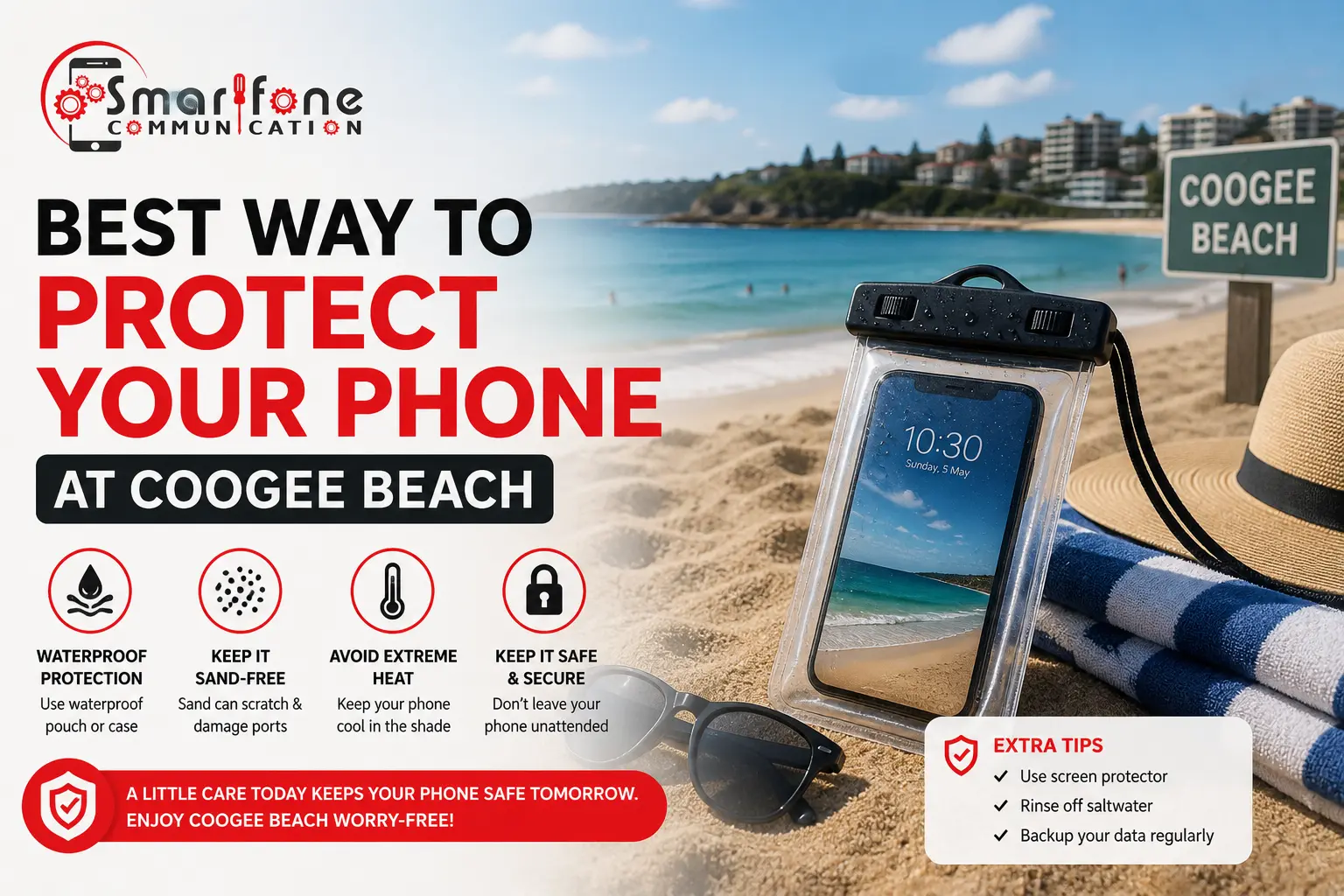
Coogee Beach is a go-to place in Sydney. People come to swim and walk along the promenade. Others just sit on the sand and spend an easy afternoon there. It’s also hard on phones. Water, salt, sand and heat can all cause trouble, so a little phone water damage prevention before you leave your towel makes a real difference. Smartfone helps customers from Randwick and across Sydney with phone repairs, and we know how quickly a beach day can end with a dead handset.
How can you protect your phone at Coogee Beach? Seal your phone in a waterproof pouch. Put it near the water, but avoid strong sun. Try to keep sand out of the pouch too. Use a case that is meant to handle drops. Before you close it, check the charging port and the earphone slot. Wipe away any grit so nothing gets stuck. If the phone is damp, do not plug it in. When you swim, carry it in a shaded pocket or a covered bag.
In this article
- Why beaches are risky for smartphones
- How saltwater damages your phone
- 7 ways to protect your phone
- What to do if your phone gets wet
- Can water-resistant phones be damaged?
- Signs of water damage
- Why quick action matters
- How Smartfone helps
- FAQs
Why Beaches Are One of the Biggest Risks for Smartphones
Beach days put phones in a mix of trouble at once. Moisture, sand, hot sun, and bumps happen in the same outing. That combo is tougher than what most people deal with in daily life.
- Saltwater is part of it. Sea mist can cling to the device. Wet hands and spray can push salt into small gaps.
- Sand is another issue. Tiny grains slip into ports and around buttons. They can also get into speaker grilles.
- Heat adds stress. If a phone sits in direct sun, it can run too hot, then pause or shut off. Heat like that can wear the battery too.
- Then there are drops. Wet fingers and crowded spots make it easier to drop a phone.
How Saltwater Can Damage Your Phone
Saltwater is often worse than freshwater. It can leave salt in the device. That salt pulls in water later, and it can help metal parts wear down faster.
Freshwater can still cause problems. It usually evaporates and leaves less behind. Salt is different. If salt stays inside, it can keep corroding contacts even after the phone looks okay.
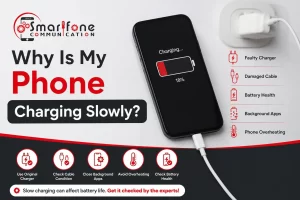
The charging port takes a big hit. If the pins get corroded, the charge may be slow, uneven, or it may not work at all. Deeper inside, corrosion can spread to the connectors too. It can also affect the battery contacts and the logic board.
Basically, salt can turn a one-time splash into a longer-term issue.
7 Ways to Protect Your Phone at Coogee Beach
1. Use a Quality Waterproof Pouch
The pouch is sealed, so spray and water splashes do not reach the openings. Look for any small cracks in the seal before you leave. Then try it with no liquid in it, using a tissue inside, before you let it hold your phone.
2. Keep Your Phone Out of Direct Sunlight
Heat may make a phone shut down on its own and can wear out the battery faster. Don’t set it flat on hot sand. Put it in the shade in a bag. If it feels very warm, wait until it cools a bit before you use it again.
3. Avoid Leaving Your Phone on Beach Towels
Towels pick up wetness and sand. Phone screens can crack, and the device can get stepped on fast. A zipper pouch pocket helps keep everything dry. It also keeps it tidy and hidden.
4. Keep Sand Away From Charging Ports and Speakers
Grit can end up in the charging port and in the speaker mesh. That can lead to weak charging or sound that seems dull. Use a soft, dry brush to loosen and lift the dust. Do not blow into the port. Breathing moisture can make the buildup worse.
5. Use a Protective Case
A solid phone case helps when you bump the stairs or walk on the promenade. Pick a case that matches your phone closely. If it sits loose, sand and water can get in and stay on the device.
6. Avoid Charging a Damp Phone
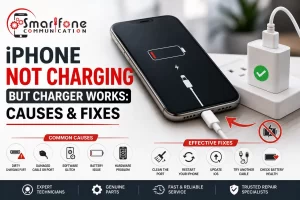
Water plus power can lead to shocks, short circuits, and rust. If it gets splashed, keep it unplugged and wait. Do not connect it to a power bank or a car charger while it is still wet. Let it dry fully, including every port, before you use it again.
7. Store Your Phone Safely During Water Activities
Don’t swim or paddle while your phone is loose in a pocket. Put it in a closed bag instead and keep it with someone you trust. If you do not have that, use a sealed pouch that stays with you at all times.
What To Do If Your Phone Gets Wet at the Beach
Remove it from the water right away. Turn it off. Wipe the outside dry. Do not plug it in or charge it. Get a qualified person to check it.
- Remove it from the water straight away. Every second counts.
- Turn it off if possible. Avoid pressing buttons to test it.
- Dry the exterior carefully. Remove the case and wipe off sand and water with a clean cloth.
- Do not charge it.
- Seek professional assessment. Do this even if the phone appears to work.
What Not To Do
- Don’t keep switching it on to see if it works.
- Don’t use a hairdryer or other direct heat.
- Don’t shake it or tap it hard, as this can move water further inside.
- Don’t rely on rice. It isn’t a dependable way to remove moisture.
Emergency Water Damage Help Phone just went for a swim? Switch it off and contact Smartfone as soon as you can. The sooner it’s inspected, the more repair options you’re likely to have.
Can Water-Resistant Phones Still Be Damaged at the Beach?
Yes. Water resistance lowers the risk, but it doesn’t make a phone waterproof or immune to saltwater.
Ratings are generally based on controlled freshwater testing, not surf, salt, and sand. Seals can weaken with age, drops, and previous repairs. At the beach, it is loud. The knocks come in, and the heat does not let up. The waves push hard too, so the load gets heavier. Do not count on water resistance as the main fix. Use it only if you have to.
Signs Your Phone May Have Water Damage
- Slow or on-and-off charging can happen when the charging contacts have corrosion.
- The speaker may sound wrong after water gets in. You might hear crackling or a muted voice.
- If the screen starts acting strange, that can also be from moisture. Examples include flickering, odd colors, or a touch that does not respond.
- The camera can show fog after water sits behind the lens. This can make the photo look hazy.
- If the phone gets unusually hot, or the battery drops fast, an internal problem may be at fault.
Some signs don’t appear until days later.
Why Quick Action Matters After Water Exposure
Corrosion starts soon after exposure, so the sooner a phone is assessed, the more options you’re likely to have.
Damage can also be delayed. A phone that works on the day may fail later as residue keeps attacking internal parts. When it fails, getting the files back can be tough. A quick check does not promise a fix, yet it often helps you stand a better chance of things turning out well.
How Smartfone Helps With Water-Damaged Phones
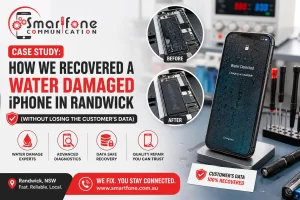
If your phone has had a dunking at the beach, Smartfone can inspect it and explain what’s going on. Our water damage support includes:
- Professional diagnostics to find out what’s affected
- Water damage inspections covering ports, connectors and internal components
- Repair recommendations, such as a battery replacement where that’s the issue
- Local support for customers near Coogee, Randwick and wider Sydney
- A transparent process, where we explain our findings and your options before any work goes ahead
For more on what we do, see our water damage repair and phone repair services pages.
Frequently Asked Questions
Yes. Salt residue can keep corroding internal parts after the phone dries, so early assessment gives the best chance of repair.
For beach trips, usually. It reduces exposure to splashes, sand, and drops, but check the seal first because it won’t cover every situation.
Yes. Grit can block the port or wear the contacts, causing poor charging. Clean it gently with a soft, dry brush.
Retrieve it, switch it off, dry the outside, don’t charge it, and get it assessed as soon as you can because of the salt.
There’s no reliably safe time, as moisture can linger inside. The safest option is not to charge it until it’s been checked.
Sometimes, but not reliably. Ratings are generally based on freshwater testing, and seals weaken over time, so have it checked.
It depends on your policy. Check your product disclosure statement or ask your insurer, as some policies exclude liquid damage.
Often, depending on what’s affected and how soon it’s assessed, but it’s never guaranteed. A technician can tell you what’s realistic after an inspection.
Conclusion
When you are at Coogee Beach, you can lower the risk to your phone with a few simple moves. Use a waterproof pouch when you are near the surf. Try to keep the screen and body out of direct sun. Keep sand away from the charging port and headphone area. Put the phone in a solid case before you head down. If your phone gets damp, do not plug it in to charge. If something goes wrong, turn it off right away and have it looked at as soon as you can.
If you suspect your phone has suffered water or sand damage after a beach visit, contact Smartfone and our team can take a look.
Emergency Water Damage Help: If your phone has just been dunked, don’t wait. Switch it off, keep it uncharged, and get in touch with Smartfone for an assessment.