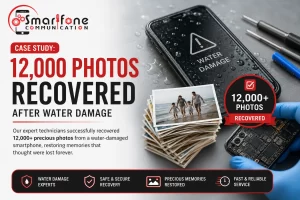

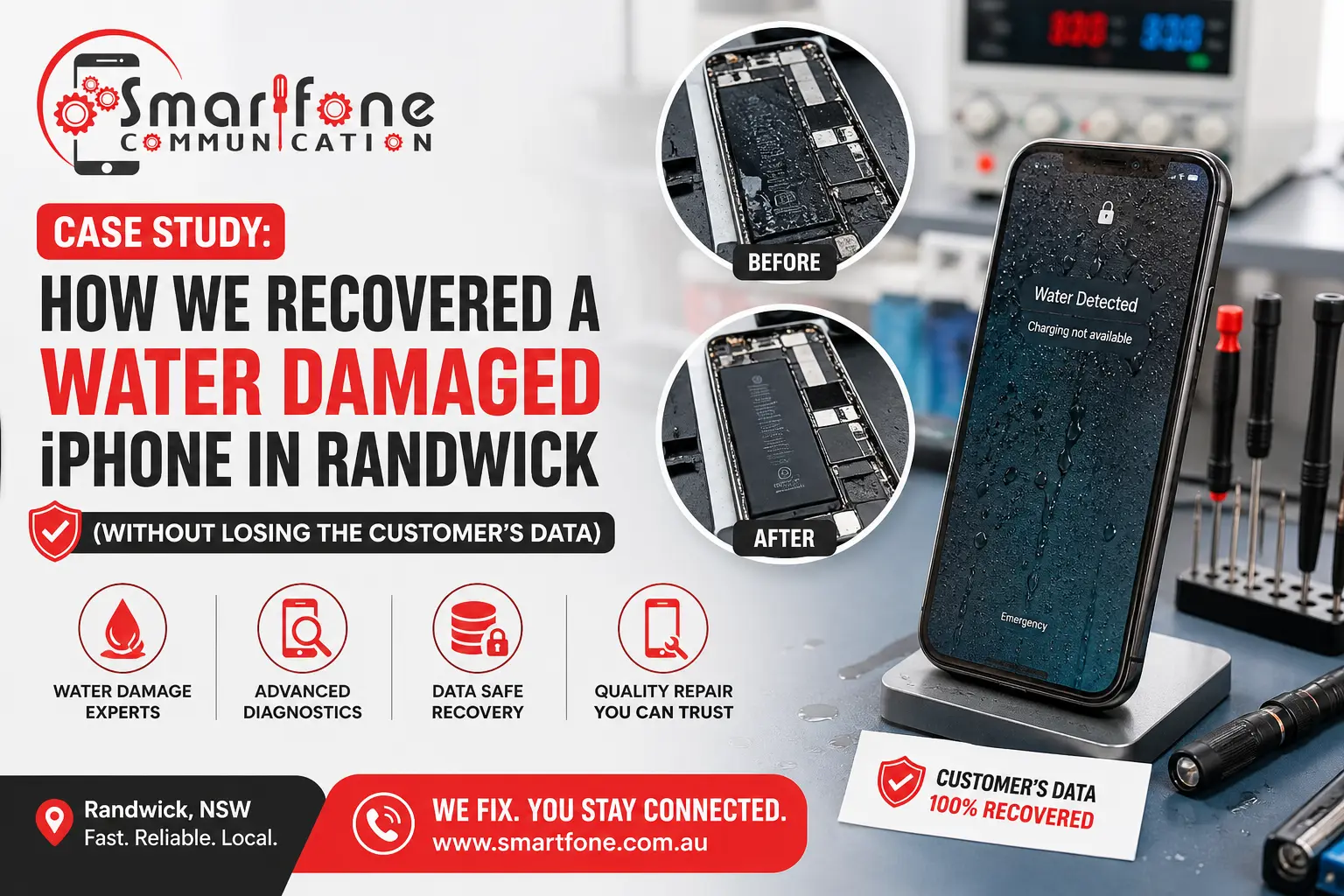
Looking into water-damaged iPhone recovery Randwick options? If your iPhone gets water on it, there are times it can be saved. The most important thing is to handle it right away. After that, a qualified repair tech should look it over and figure out what steps are possible. In this Randwick case study from the Smartfone team, a customer’s iPhone stopped working after water exposure and looked like a lost cause. Through proper diagnostics, internal cleaning, corrosion treatment and board-level repair, the device was brought back to life, and every photo, contact and message on it was recovered.
Identifying details in this case study have been generalised to protect customer privacy, while the repair process, timeline and outcome described reflect our typical approach to water damage jobs of this kind.
The Customer’s Situation
A woman from Randwick came into the Smartfone workshop with an iPhone; she said she had dropped it in the kitchen sink. She was washing up, with the phone in one hand and a tea towel in the other. For a moment she had it steady. Then it slipped and fell straight in. She grabbed it back quickly, before much time passed. Even so, later that same afternoon, the display was dark. The phone would not turn on at all. Plugging it in did not help. Pressing the power button made no change.
We had expected the phone to still work, at least a little. It did not. The hardest part was more than just the device itself. Like a lot of people, she hadn’t backed the device up in months. Family photos, a folder of work documents, and years of text message threads were all sitting on that one handset with nowhere else. Replacing the iPhone would have been the easy part; replacing the data wasn’t possible if the internals were too far gone.
This is the scenario we see most often with water damage: not so much “can the phone be fixed,” but “can we get to the data before corrosion makes that impossible.”
Initial Assessment and Diagnostics
Every water damage job starts the same way with an honest external and internal inspection, not a guess.
We looked at the phone’s liquid contact indicators. These are the tiny labels inside the SIM tray and near the charging port. They change colour when they get wet. We did this so we could be sure water actually reached the inside parts, not just the outer case or the screen.
In this case, both indicators had changed. That meant moisture got through the seals and ended up inside the main body.
From there, the phone was opened up for a full internal inspection:
- Visible moisture around the battery connector and charging port
- Early-stage corrosion on several exposed pins near the logic board
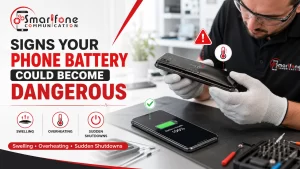
- A battery that tested unstable under load
- No obvious burn marks or catastrophic board damage, which was a good early sign
Many customers assume their phone is permanently dead the moment the screen goes black after water exposure, but a proper professional assessment often reveals recoverable components underneath. A dead screen doesn’t necessarily mean a dead logic board, and the logic board is where the data actually lives.
Repair Strategy
Once we knew what we were dealing with, the repair followed a structured sequence rather than a single fix:
Step 1 — Immediate disassembly. The phone was fully stripped down so no component was left sitting in a damp enclosure while we worked.
Step 2 — Battery isolation. The battery was disconnected straight away to prevent any short circuits from live moisture on the board — this is one of the most important early steps, and it’s exactly what powering the phone on or plugging it into a charger would undo.
Step 3 — Ultrasonic cleaning. The logic board went through an ultrasonic cleaning bath using an electronics-safe solvent, which lifts residue and mineral deposits out of tight spaces a cloth or brush simply can’t reach.
Step 4 — Corrosion treatment. Affected pins and contact points were treated to halt the corrosion process and prevent it from spreading further across the board.
Step 5 — Logic board diagnostics. With the board clean, we ran targeted diagnostics to check power delivery, charging circuitry, and data pathways individually, rather than just testing the phone as a whole.
Step 6 — Component replacement. The charging port and a damaged display connector were replaced, since these had degraded past the point of being safely reused.
Step 7 — Data integrity testing. Only once the board was stable did we power the device up and confirm that the file system, photo library, and messages were intact and readable.
Challenges During the Repair
This wasn’t a straightforward “clean it and go” job. A few things made it more involved than a typical water damage case:
- Corroded charging circuit — the corrosion had reached components right next to the charging port, which meant careful, targeted work rather than a simple part swap.
- Damaged display connector — likely from the initial impact of dropping the phone rather than the water itself, but it needed replacing before the screen would respond reliably.
- Battery instability — the original battery tested inconsistently under load and was swapped out as a precaution, since a failing battery can cause a phone to behave as though it still has internal damage even after everything else is repaired.
- Intermittent power issues — the phone would briefly power on and then shut down again during early testing, which took additional time to trace back to a specific connector rather than the board itself.
None of these were fatal on their own, but they’re the kind of detail that separates a full recovery from a phone that “sort of works” — turns on, but with an unreliable charging port or a battery that dies in an hour.
The Recovery Outcome
By the end of the repair, the phone powered on normally and ran through its full boot sequence without issue. From there, we confirmed:
- All photos and videos were intact and accessible
- Contacts were fully preserved
- Message threads, including years of history, were untouched
- Installed apps opened and functioned normally, with no data loss reported
The customer avoided buying a replacement phone entirely, and more importantly, avoided losing photos and messages she hadn’t backed up anywhere else.
Timeline of the Repair
| Stage | Time Required |
| Diagnostics | 30 minutes |
| Internal cleaning | 1 hour |
| Board-level repair | 2 hours |
| Testing | 1 hour |
| Total time | Same day |
Same-day turnaround isn’t guaranteed on every water damage job; more severe corrosion can mean waiting on parts or additional diagnostic time, but for a case like this, caught within a few hours of the incident, it’s a realistic outcome.
Repair vs Replacement: What It Actually Costs
For a same-generation iPhone, professional water damage repair with board-level work typically sits well below the cost of a new device, even before accounting for the value of the data itself.
| Option | Typical Cost Range (AUD) |
| New iPhone (equivalent model) | $1,200–$2,200+ |
| Professional water damage repair | $150–$450, depending on severity and parts required |
The exact figure depends on which components need replacing and how far corrosion has spread, but as a rule of thumb: if the phone is less than two or three years old, repair is almost always the more cost-effective path, and it’s the only path that gets your existing data back rather than starting fresh.
Lessons for iPhone Owners
Do:
- Power the device off immediately, even if it still seems to be working
- Get it to a professional for diagnosis as soon as possible, ideally the same day
- Leave the charging port alone and don’t plug it in
- Back up your phone regularly, so a water incident is an inconvenience rather than a crisis
Don’t:
- Use a hair dryer — heat can push moisture deeper into the device and damage internal components
- Keep pressing the power button to “check” if it’s still on
- Plug it into a charger to test it
- Rely on the rice myth — rice doesn’t reach internal corrosion and can waste hours you don’t have
Why Fast Action Matters
Corrosion is a process, not a one-off event. The moment water reaches an iPhone’s internals, minerals in the water begin reacting with exposed metal contacts, and that reaction continues for as long as the moisture sits there untreated. Every extra hour, and especially every extra attempt to power the phone on, gives it more time to spread.
That’s why the gap between “phone got wet” and “phone reached a technician” matters so much. A device assessed within a few hours often has options that the same device, left for a week with intermittent power-on attempts, no longer has. Early diagnosis doesn’t just improve repair odds; it’s usually what determines whether the data is recoverable at all.
Why Randwick Residents Choose Smartfone for Water Damage Repair
Local turnaround matters when a phone is your main way of staying reachable, storing photos, and getting through the day. Randwick residents dealing with a water-damaged iPhone typically look for:
- A workshop that can assess the phone on the same day, not after a multi-day wait
- Technicians who explain what they found internally, rather than a flat “it’s dead” verdict
- A repair approach that treats data recovery as part of the job, not an afterthought
- Transparent diagnostics before any repair work begins, so there are no surprises on cost
Frequently Asked Questions
Yes, in many cases. Repairability depends on how much corrosion has developed and how quickly treatment begins. An iPhone assessed within hours of water exposure has a much better outlook than one left for days.
Often, yes. Technicians can frequently recover photos, contacts, and files even when a device appears completely dead on the surface, provided the storage chip itself hasn’t suffered physical damage.
Simpler cases can be resolved in a few hours; more severe corrosion may require additional diagnostic time or parts, extending the job to a day or two.
For most phones under two to three years old, repair is usually cheaper than replacement, and it’s the only option that preserves your existing data rather than starting over on a new device.
No. Rice doesn’t remove internal moisture or halt corrosion, and relying on it typically just delays proper treatment while damage continues to spread.
Sometimes, yes. As in this case, a battery that tested unstable under load was replaced as a precaution. A failing battery can make a phone behave as though it’s still damaged even after the rest of the repair is complete.
No. Water and liquid damage are explicitly excluded from Apple’s standard warranty and most AppleCare plans, which is why independent repair like the board-level work described in this case is usually the only cost-effective option.
Often, yes. As shown in this case study, Smartfone can diagnose, clean, and repair straightforward water damage jobs assessed early within the same day. More severe corrosion cases may take longer if parts need to be sourced.
Yes. A damaged or corroded charging port, as seen in this case, is typically replaced as part of the repair rather than being a reason to write the phone off.
Final Thoughts
A water-damaged iPhone isn’t automatically a lost cause, and it’s rarely worth writing off before a proper internal assessment has actually happened. Corrosion treatment, ultrasonic cleaning and board-level repair can restore a phone that looks completely dead on the surface, and in a lot of cases, the data on it is still sitting there waiting to be recovered. At Smartfone, the single biggest factor we’ve seen in how a case like this turns out is simply how quickly the phone gets seen, not how bad the initial dunk looked.