
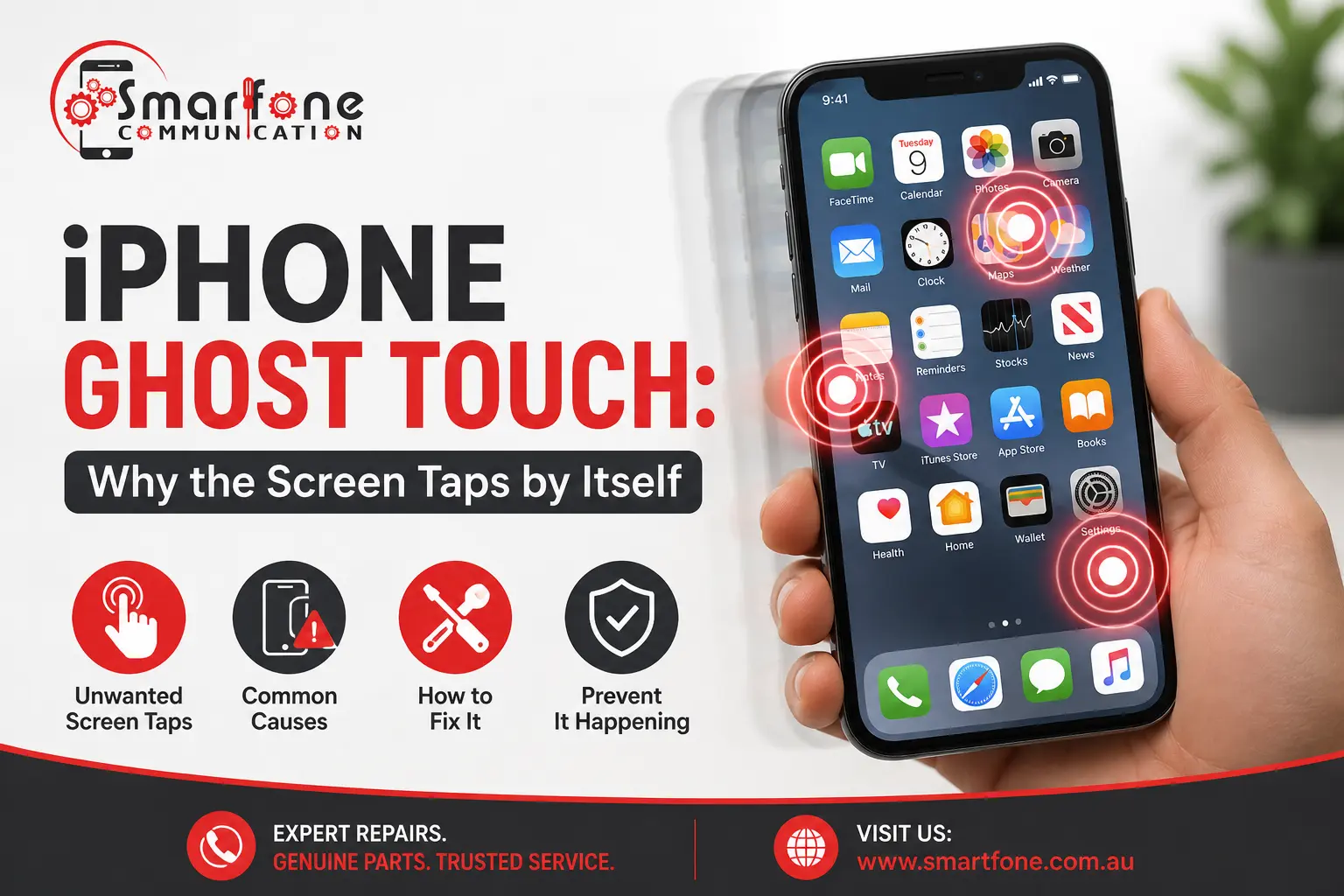
Short answer: iPhone ghost touch happens when the iPhone registers phantom taps that weren’t made. They are generally caused by a malfunctioning screen protector, a dirty or moist screen, an unreliable charger, a software bug, or a damaged screen. Try to test the first four solutions in a couple of minutes. If they do not help, the screen needs fixing.
The iPhone launches apps, scrolls, and types without you making any physical contact with your device. At times, the exact opposite occurs, as some parts of the iPhone’s screen become unresponsive to touch. These are the symptoms of a particular type of problem that cause people to look for the “iPhone screen touches itself” or “iPhone touch screen not responding” issue and solutions. We repair iPhones at 102 Belmore Road, Randwick, and this guide shows how to find the cause yourself before you spend anything.
What is iPhone ghost touch?
Phantom touch, or ghost touch, refers to an issue where your phone’s touch layer registers touches that were never made. Symptoms:
- Your screen scrolls, zooms, and launches applications on its own
- Letters appear at random while you type
- Taps land in the wrong place, or only along one edge or corner
- Screen areas don’t detect your finger at all
This issue comes and goes, and it usually worsens when the phone is being charged or is hot.
Two-minute test: accessory, software, or screen?
Run these in order. Each one rules out a cause.
| Test | If the ghost touch stops | Likely cause |
| Take off the case and screen protector | Yes | A protector or case pressing on the screen, or moisture trapped underneath |
| Unplug the charger and use the phone on battery | Yes | A faulty or uncertified charger or cable |
| Wipe the screen with a dry microfibre cloth | Yes | Dirt, sweat or moisture on the glass |
| Force restart | Yes, and it stays gone | A software glitch |
| Nothing helps, or the same spot always misbehaves | No | A display or touch layer fault |
How to fix iPhone ghost touch, step by step
- Clean the screen. Turn off the device, and clean the screen with a dry microfibre cloth. If there is sweat or dust, use a slightly damp cloth. Water should be kept away from the ports.
- Test it naked. Take off the case and any screen protector. It may be bubbled, cracked, or poorly fitted.
- Swap out the charger. Use an official cable and adapter. If the charging port or device has issues, it could add electrical noise that the touchscreen registers as a tap.
- Force restart. For iPhone 8 and later, press and release Volume Up, press and release Volume Down, then hold down the side button until the logo comes up. If you have an older model, see the Apple Support instructions.
- Update iOS and touch settings. Make sure you are using the latest version of iOS, and go to Settings > Accessibility to find AssistiveTouch, Touch Accommodations, and, on iOS 18 and higher, Eye Tracking. An active setting you didn’t want turned on can make the phone believe it is being tapped.
- Reset All Settings. Go to Settings > General > Transfer or Reset iPhone > Reset > Reset All Settings. This keeps your pictures and apps intact. Back up, and use a complete reset as a last-resort fix for software issues.
If the problem comes back in minutes, stop troubleshooting. More resets won’t fix hardware.
When ghost touch is a hardware fault
Suspect the display, or its connection to the logic board, when:
- It started after a drop, bend, or knock, even if the glass looks fine
- It started after water or liquid exposure (see our guide to iPhone water damage repair)
- It began after a cheap replacement screen was fitted (see aftermarket or original mobile parts)
- Only one part of the screen is affected, or the screen also shows lines or dead patches
- The phone runs hot, the case is bulging, or the screen is lifting, which can point to a swollen battery. Stop charging it and read our swollen battery warning signs.
In these cases, the cause is usually a damaged touch layer, a loose or damaged display connector, or a failing display assembly. A technician has to open the phone to tell which. A loose connector can be a smaller job than a full screen replacement, but we can only say after we look.
Does Apple cover ghost touch?
On some occasions. There have been free screen replacement services by Apple due to a problem with touch issues for iPhone X series devices (2018) and for the iPhone 11 series devices manufactured from November 2019 through to May 2020. This service is only available for a specific period, and most likely it has expired; however, you can check with your device serial number through Apple’s website. AppleCare+ might cover an issue with the screen. In case your device is relatively new, and there is nothing that could have damaged the screen, you should inquire with the seller or Apple about the consumer guarantee that covers your case in Australia.
How much does a ghost touch repair cost?
Most hardware cases end in a display replacement. Apple’s own out-of-warranty screen prices in Australia run from $235 to $645 depending on the model, and independent repairers charge less depending on the part fitted. Our iPhone screen repair cost guide for Sydney has a model-by-model table. If the cause turns out to be a protector, a charger or a setting, the fix costs little or nothing, and a good repairer should tell you that before quoting a screen.
Before you bring your iPhone in
- Back up now to iCloud or a computer. A phone with ghost touch can lock up or drop out of a backup without warning.
- Be careful on the lock screen. Phantom taps can enter wrong passcodes. Erase Data enabled within Settings > Face ID & Passcode will result in all data being wiped if too many unsuccessful tries are made.
- Try not to do banking or messaging when it acts up since accidental touches could send/call/confirm actions that were not intended.
What happens at Smartfone
We first determine whether the issue is with the screen, with an accessory, or with something internal and provide you with a quote on the spot with the name of the screen. We generally carry out iPhone screen replacement services on the very same day in most cases and usually within an hour, with each service enjoying a warranty period of three months. We fix all models of iPhones starting from the iPhone 7 to the iPhone 17 Pro Max. If you are weighing up your options, read Apple Store vs local repair shop first.
Frequently asked questions
Sometimes, if the cause was a dirty screen, a faulty protector, a poor charger, or a software glitch. If it was a failing display or a loose connector, it usually gets worse over time. If the steps above do not fix it, plan for a repair.
Yes. A bubbled or badly fitted screen protector can press on the touch layer, and a damaged or uncertified charger can add electrical noise. Remove the protector and use the phone off the charger as your first two tests.
It is risky. Phantom taps can place calls, send messages, confirm payments, or enter wrong passcodes. Back up your data and arrange a repair soon rather than living with it.
Yes. A cracked screen or a bent frame can damage the touch layer, even when the phone still looks usable. Ghost touch after a drop is a strong sign of a hardware fault.
When the screen needs replacing, most repairs at Smartfone are completed the same day, often within the hour. Water damage or an out-of-stock part can take longer, and we tell you before we start.
Get a quote before any work starts
If the tests above do not stop it, it is usually the screen. Walk in to Smartfone, 102 Belmore Road, Randwick NSW 2031, or call on 0470 505 835. You get a quote before any work, and every repair comes with a three-month warranty.